Download
ADDeploy Manager
for Windows
Free Active Directory deployment tool for sysadmins. Deploy MSI, EXE, PS1, and Winget packages to thousands of machines via GPO — no Intune license, no per-device fees, no new infrastructure.
System requirements
ADDeploy runs on the admin workstation — no server install needed. Connects to your existing AD and file share.
Required
- Windows 10 / 1164-bit · admin workstation
- Windows Server 2016+Or any modern Server (2019/2022)
- Active DirectoryDomain-joined machine · any functional level
- RSAT — GPMCGroup Policy Management Tools
- Network share (SMB)UNC path accessible from domain machines
- PowerShell 5.1+Built into Windows · no install needed
Optional
- Docker / Docker ComposeFor the centralized logging server
- Winget (on clients)For Winget-based deployments
- BEACON AgentComing soon — real-time deployments
Bundled
- Electron runtimeShipped inside the installer
- Node.jsNo separate install required
- 22+ PS1 templatesWazuh, SentinelOne, Office, RSAT, Zabbix...
- 50+ app catalogChrome, Firefox, 7-Zip, Zoom, Teams...
From download to first deployment in 4 steps
No agents to push, no schema extensions, no SQL Server. If you have AD and a network share, you are 90% of the way there.
Download and install on your admin workstation
Grab ADDeployManager-Setup-v1.2.12.exe from GitHub Releases (signed). Run the installer — the app, Electron runtime, PowerShell templates, and app catalog ship bundled. Install takes under a minute.
Connect to Active Directory and your share
On first launch, point ADDeploy at your domain controller and UNC share path. The app reads your OU tree via RSAT and validates write access to the share. No agent installation on client machines.
Add an application
Drop in an MSI/EXE, pick from the 50+ app catalog, or paste a Winget ID. ADDeploy detects the installer format (NSIS, InnoSetup, WiX Burn, InstallShield...), extracts the ProductCode, and fills in silent install arguments automatically.
Assign to OUs and deploy
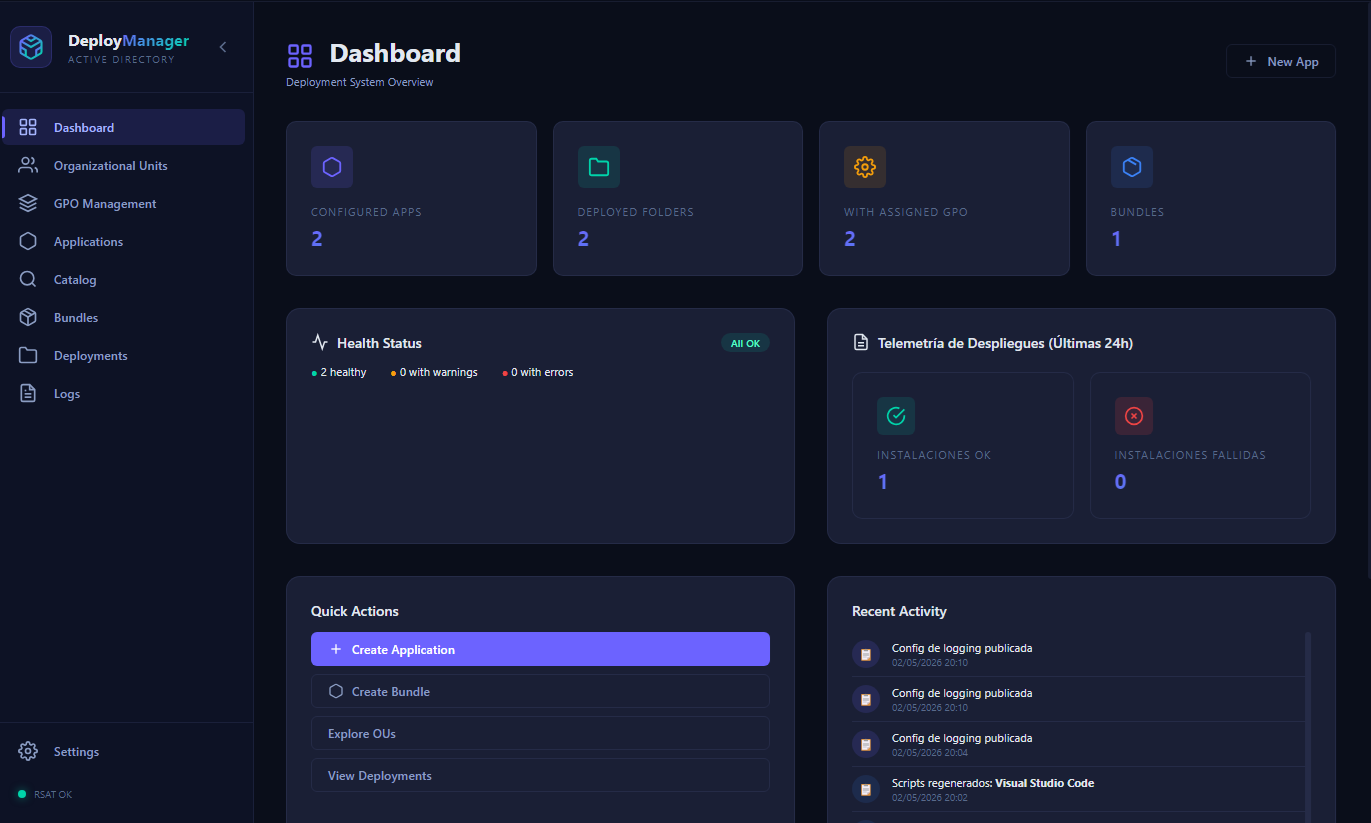
Pick target OUs from the visual tree, click Deploy. ADDeploy creates the GPO, links it, and copies the package to the share. Machines install at next startup. Real-time tracking from the dashboard.
Everything included. No paid tier.
No trial, no enterprise edition, no feature gates. Every feature on this page ships in the free download.
22+ PowerShell templates
Parametric templates for Wazuh, SentinelOne, Office, Zabbix agent, RSAT, and 17+ more. Bundles for full software suites. Custom template support.
Installer Intelligence
Signature scan for NSIS, InnoSetup, WiX Burn, InstallShield, Squirrel and more. Silent args auto-filled. MSI ProductCode extracted automatically.
Native AD integration
Visual OU tree browser. Create, link, and manage GPOs from the UI — no GPMC. Bulk OU assignment with conflict detection. RSAT guided setup.
50+ app catalog
Chrome, Firefox, 7-Zip, Zoom, Teams, WinSCP, Wazuh, Zabbix agent, RSAT and more. Winget and Microsoft Store integration.
DPAPI-encrypted secrets
Credentials and license keys encrypted at rest with DPAPI. Context isolation in Electron. PowerShell input sanitization on generated scripts.
Centralized logging
Optional self-hosted logging server via Docker Compose. Real-time deployment status, per-machine activity history, full audit trail.
Detection + version rules
Detect via MSI ProductCode, file path, registry key, or tracker. Version-aware reinstalls. App dependency ordering. MSI/registry/Winget uninstall.
Wizard + advanced modes
Auto-generated PowerShell with detection logic, silent args, error handling, and logging. Import/export configs as JSON. Reusable templates.
No license keys.
No credit card.
Free, AGPL-3.0, self-hosted. Runs entirely inside your network. Read the source on GitHub.